
-
How to change Tomcat to use JDK 7
The current environment is using Tomcat 7 + JDK 6. How to configure Tomcat to use JDK 7?
Date: 2019-08-17 View: 1936
-
How to change Tomcat manager default path ?
By default, Tomcat’s manager webapp is able to access via yourapp:8080/manager. It is a good practice to change the default /manager to something else, to avoid potential brute force attack.
Date: 2019-08-17 View: 2154
-
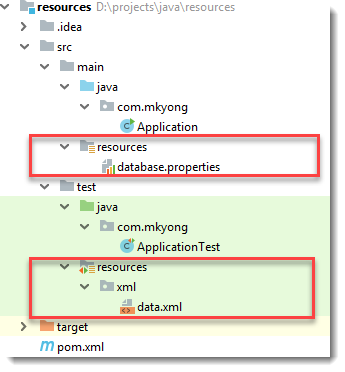
Java Read a file from resources folder
In this tutorial, we will show you how to read a file from a resources folder or classpath, in both runtime and unit test environment. Try putting a file into the src/main/resources folder, and read the file with following code snippets :
Date: 2019-08-17 View: 3005
-

jsoup : Send search query to Google
This example shows you how to use jsoup to send a search query to Google.
Date: 2019-08-17 View: 2086
-
Count IP address in Nginx access logs
Recently, many referer spam hit on my server, below is the command I used to find and count the IP Address from a Nginx access log file.
Date: 2019-08-17 View: 2043
-
Nginx : Block User Agent
In Nginx, you can block certain user agents (normally it is crawler) like this :
Date: 2019-08-17 View: 2119
-

Java : Return a random item from a List
Normally, we are using the following ways to generate a random number in Java.
Date: 2019-08-17 View: 2217
-
Nginx + Apache Tomcat configuration example
This tutorial shows you how to configure Nginx as a reverse proxy to redirect the traffics from port 80 to Apache Tomcat on port 8080.
Date: 2019-08-17 View: 5104
-
Nginx : Block Referrer Spam
In this article, we will show you how to block referrer spam in one of our Nginx web server.
Date: 2019-08-17 View: 7808
-
Maven Exclude logback.xml in Jar file
This example shows you how to use Maven to exclude the logback.xml file from the final Jar file.
Date: 2019-08-17 View: 3624
-
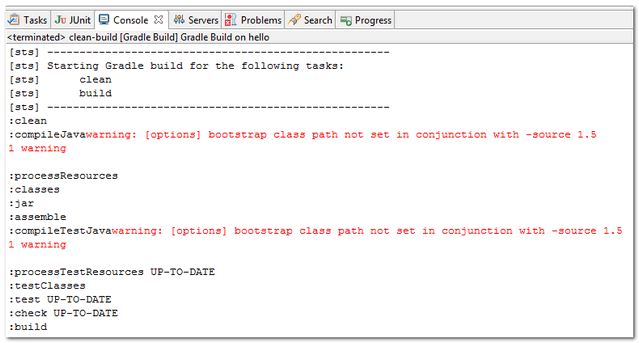
Gradle bootstrap class path not set in conjunction with -source 1.5
My environment :
Date: 2019-08-17 View: 2691
-
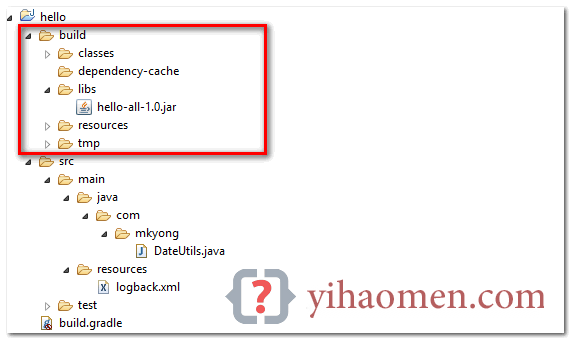
Gradle Create a Jar file with dependencies
In this tutorial, we will show you how to use Gradle build tool to create a single Jar file with dependencies.
Date: 2019-08-17 View: 3316
-
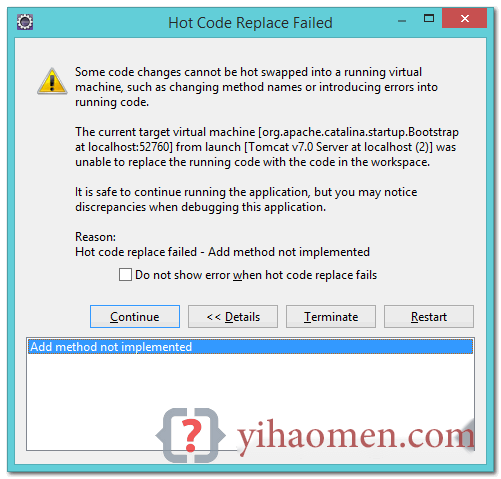
How to configure hot deploy in Eclipse
In this tutorial, we will show you how to configure Eclipse debugger to support hot deploy, hot swap or hot code replace without restarting the Server, this speed development a lot.
Date: 2019-08-17 View: 2112
-
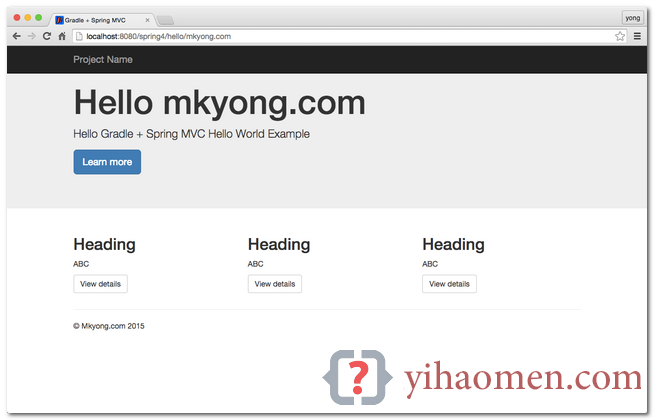
Gradle Spring 4 MVC Hello World Example
In this tutorial, we will show you a Gradle + Spring 4 MVC, Hello World Example (JSP view), XML configuration.
Date: 2019-08-17 View: 3013
-
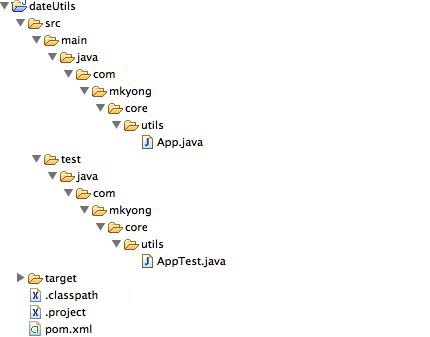
Create a fat Jar file Maven Shade Plugin
In this tutorial, we will show you how to use Maven Shade Plugin to create a Jar together with its dependency Jars into a single executable Jar file, so called fat Jar or uber Jar.
Date: 2019-08-17 View: 2964
- Welcome to my weblog.
- Wehcat

- About